

pull_request events from a fork run with read-only permissions and can’t read repository secrets, so the secret that holds your API key is empty. Trunk lets these runs upload to a test collection without a key through an opt-in on the collection.
This is intended for public repositories that accept outside contributions. For private repositories or forks inside your organization, keep using your API key.
1. Enable forked pull request uploads on the collection
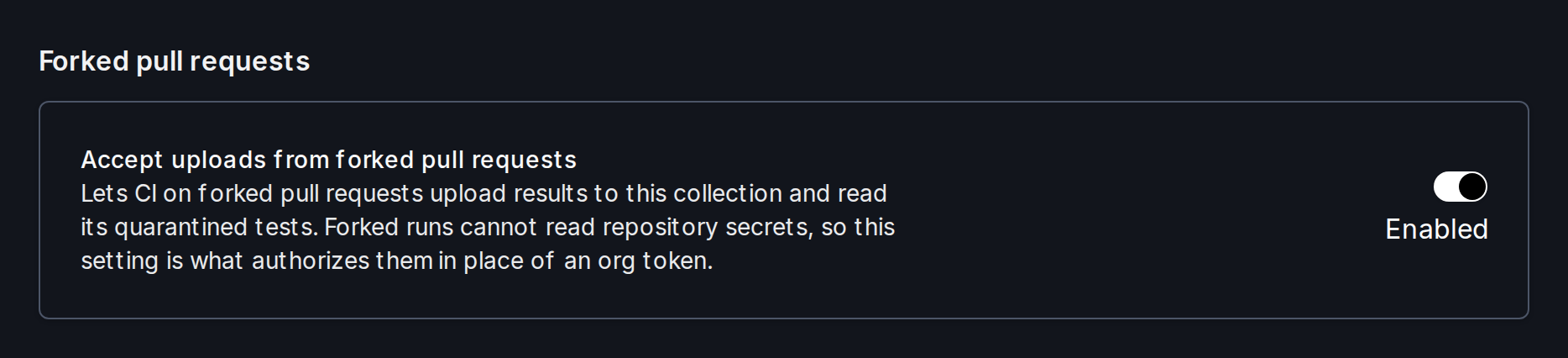
In the Trunk web app, open the collection, go to Settings → Uploads, and turn on Accept uploads from forked pull requests. Only organization admins can change this setting.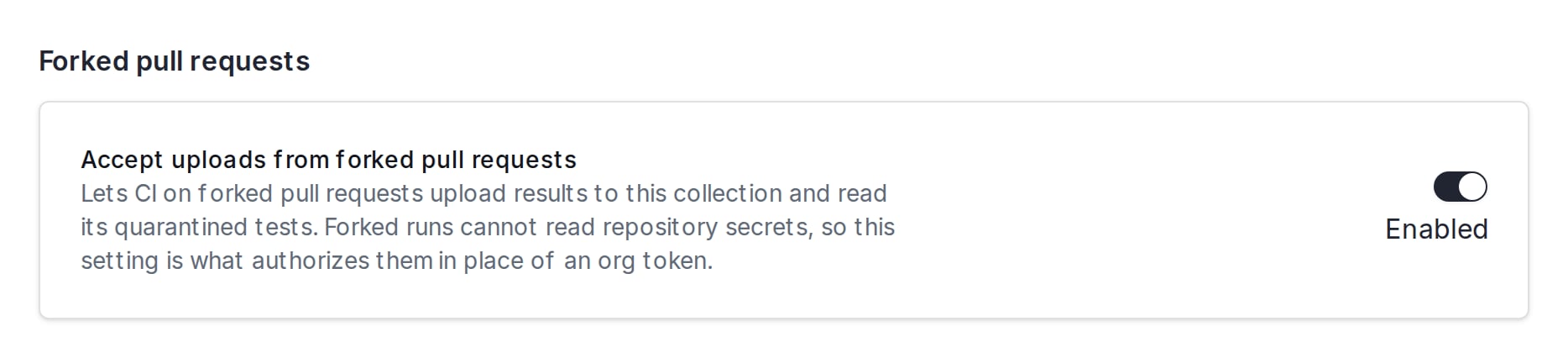
--test-collection-id.
2. Upload from the fork workflow
With the Trunk uploader action, setallow-forked-pr-uploads: true alongside test-collection-id. Leave out token:
GITHUB_TOKEN, which Trunk accepts only for a pull request from a fork. A run on a branch of your own repository still needs token.
If you run trunk flakytests yourself, pass --allow-forked-pr-uploads together with --test-collection-id, or set TRUNK_ALLOW_FORKED_PR_UPLOADS=true and TRUNK_TEST_COLLECTION_ID. Set GITHUB_TOKEN on the step, because GitHub doesn’t export it to commands:
--allow-forked-pr-uploads without a collection ID is an error, because the collection’s own setting is what authorizes the upload.
allow-forked-pr-uploads is a mode you choose explicitly, not a fallback. A workflow that passes a token but whose token secret didn’t resolve still fails loudly rather than silently uploading without one.How authorization works
The collection ID is not a secret. It is safe to commit in your workflow file, and it shows up in links and webhooks anyway. The ID alone grants nothing: Trunk accepts a forked upload only while the collection has Accept uploads from forked pull requests turned on.- To stop accepting forked uploads, turn the setting off. It takes effect within about a minute.
- An upload that names a collection that doesn’t exist, is deleted, or doesn’t have the setting on is refused. The response is the same in every case, so a refusal doesn’t reveal which collections exist.
- A refused upload from a fork logs a warning and exits successfully, so a contributor’s pull request doesn’t fail because of it.